Android 9+Phones, tablets and Android TV

Droid Stream

One media app for live TV, your own servers, cloud and downloads. Free-to-air channels with a guide, Jellyfin, Emby and Plex, debrid and PikPak, and a fast downloader with yt-dlp.

Latest release Version 5.6.0
Released
7 November 2026
Size
149 MB
Requires
Android 9+

Downloads come straight from GitHub. How to install · Check the signature

Droid Stream logo
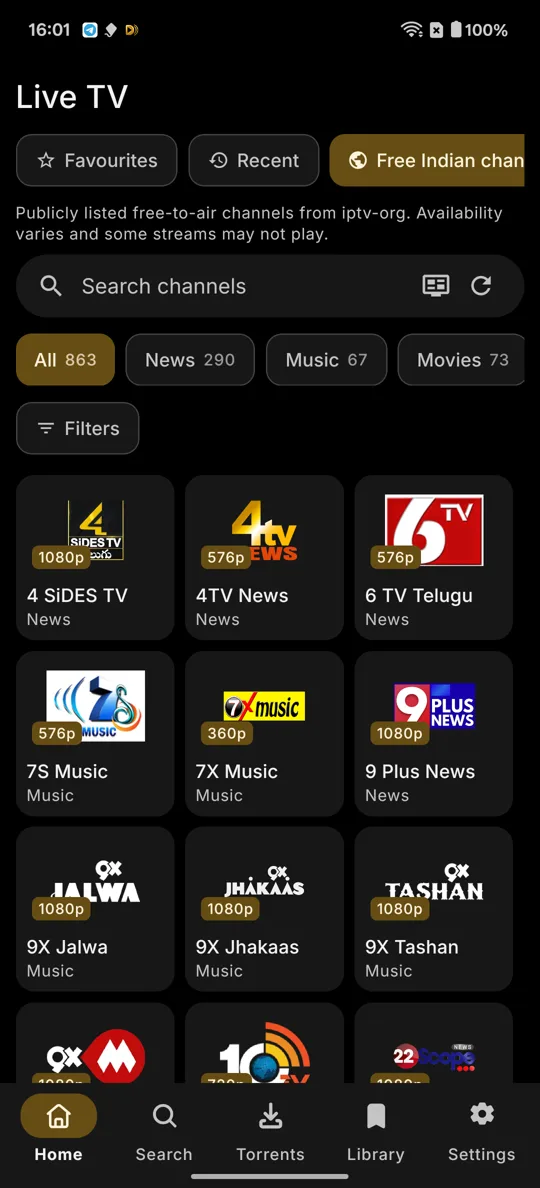
Droid Stream Live TV: channel groups with counts, search and quality badges
Features

Everything you watch, in one place

Bring your own sources and Droid Stream puts them together: one library, one player, one place for downloads.

Live TV

Publicly listed free-to-air channels with no sign-in, or any M3U playlist link you add.

  • TV guide grid with now and next
  • Catch-up where the channel allows it
  • Pause and rewind live channels, with Go live
  • Programme reminders and recording of channels without DRM
  • Filter by quality (4K, 1080p, 720p, SD) and language
  • Favourites, recent channels and groups
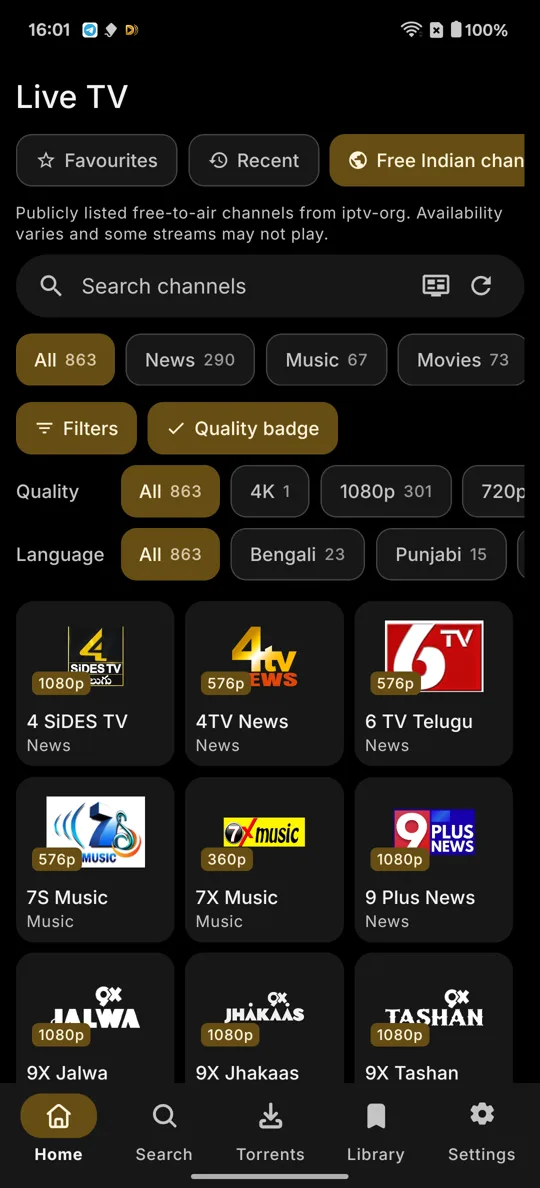
Live TV filters for quality and language, with channel counts

Your own servers

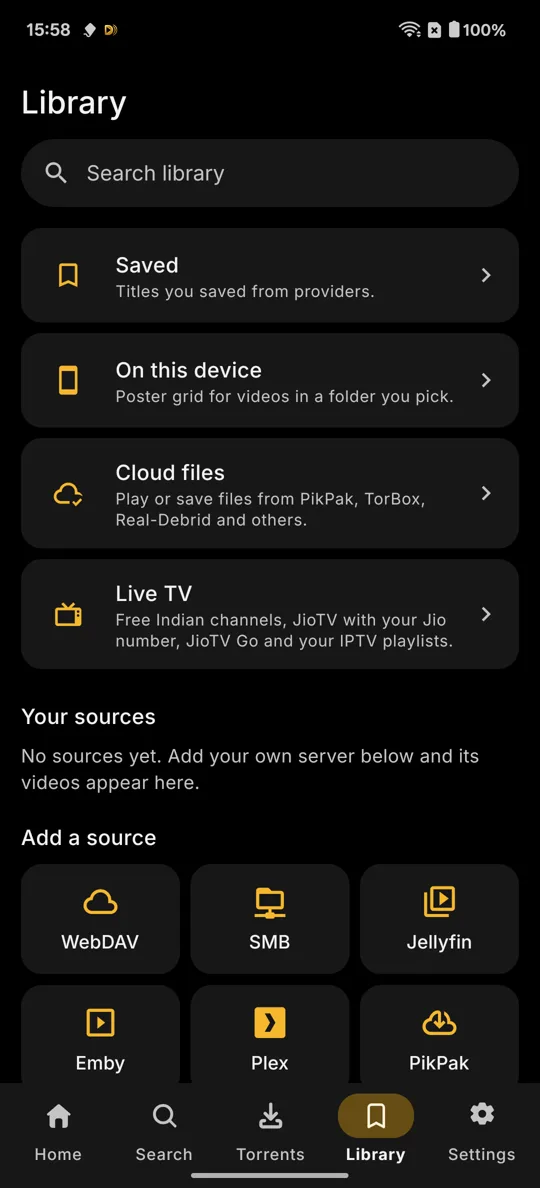
Connect Jellyfin, Emby, Plex, SMB and WebDAV, or a folder on your phone.

  • Poster library: Movies, Shows and Folders
  • Matched titles and artwork, fix a wrong one
  • Continue watching across every source

Debrid and cloud

Sign in to TorBox, Real-Debrid, AllDebrid, Premiumize, Offcloud, Debrid-Link or PikPak.

  • Cloud files right in the Library
  • Stremio-compatible add-ons that you add
  • One ranked list of sources with Play best

Downloads

A multi-connection downloader (up to 32 connections) with a queue, speed limits and a scheduler.

  • yt-dlp: share a link, pick quality or audio, subtitles, SponsorBlock, clips and playlists
  • HLS, MPEG-DASH, FTP and FTPS
  • Fix a download mid-way with a new link

Built-in browser

Tabs, private tabs, bookmarks and dark pages, opened from the globe icon.

  • Ad and tracker blocker, userscripts
  • A download button on videos and a list of media on the page
  • Passwords locked with your screen lock, and passkeys

Privacy and Smart unblock

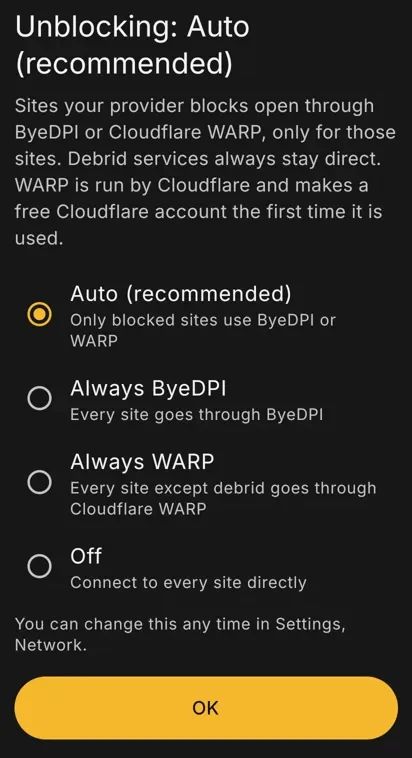
Smart unblock is on by default: only the sites your provider blocks go through ByeDPI or Cloudflare WARP, and debrid services stay direct.

  • DNS over HTTPS
  • Sign-ins and keys kept in encrypted storage
  • No analytics and no trackers
  • Providers can't reach devices on your home network
  • In-app updates check the download is signed with the Droid Stream key
Unblocking choice: Auto (recommended), Always ByeDPI, Always WARP or Off

Player

The built-in player, VLC or any player you like.

  • Skip intro, recap and credits
  • Picture-in-picture and background audio
  • Subtitle style, search and your own files

Profiles and family

Each profile has its own history, library, Continue watching and Live TV favourites.

  • Kids mode hides adult content, Torrents and Settings
  • PIN lock for each profile

TV, cast and sync

An Android TV layout you drive with the remote, plus Google Cast and DLNA.

  • Watch sync with Trakt, Simkl and AniList
  • Sign in with a code or a QR code

Torrent client

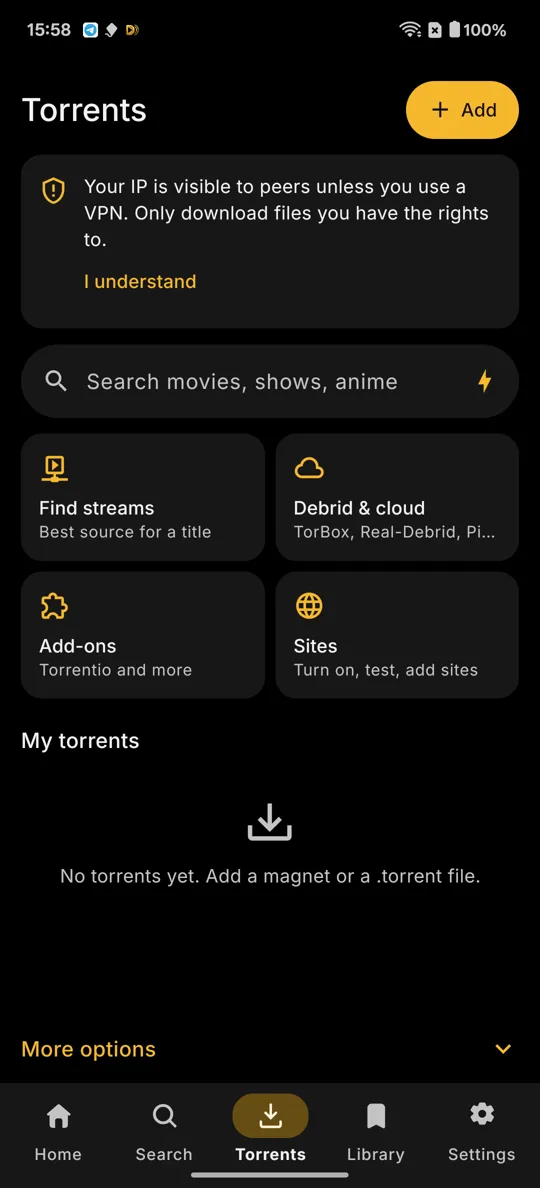
A full client for files you have the right to share.

  • Stream while it downloads, pick the files you want
  • Speed limits, Wi-Fi only, VPN bind and kill switch
  • Seeding stays off until you turn it on
What's new

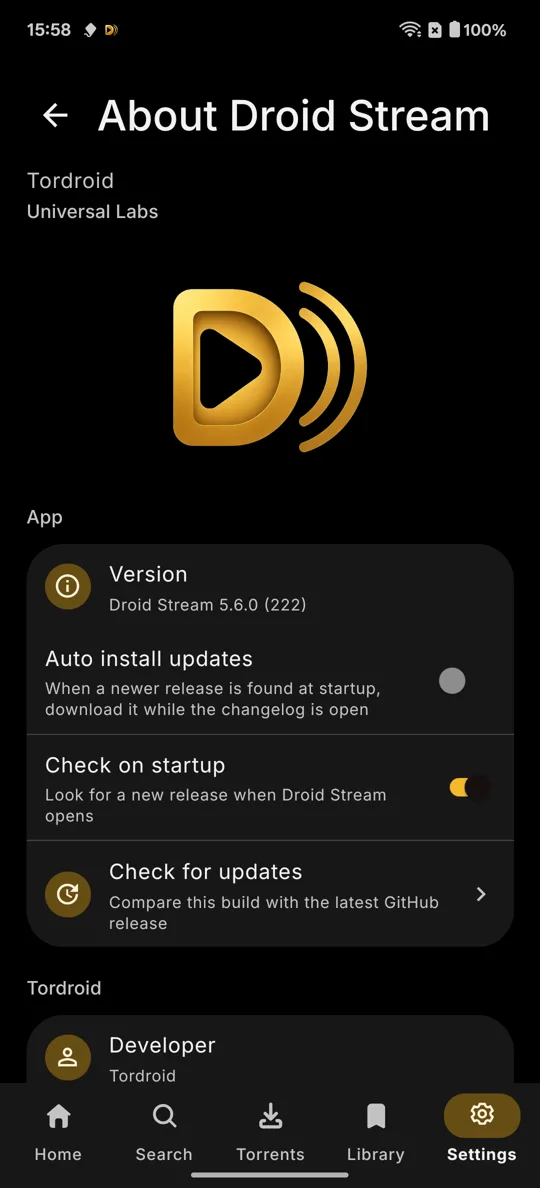
In version 5.6.0

Released 7 November 2026. Full release notes on GitHub

  • Skip intro, recap, credits and previews for every show, with Off, button or auto skip.
  • Play best moves to the next source by itself when one fails, with size, quality and codec filters.
  • Sign in to Trakt and Simkl with a code or QR code; Trakt scrobbling keeps working offline.
  • Live TV guide grid, catch-up, programme reminders, and pause and rewind on live channels.
  • Live TV filters for quality and language, kept per source and profile.
  • Profiles with their own history and library, a kids mode and PIN locks.
  • A yt-dlp video and audio downloader, with yt-dlp updates inside the app.
  • Record Live TV channels that have no DRM, or a programme from the guide.
  • Smart unblock, on by default.
  • A built-in browser with an ad and tracker blocker, userscripts and a media list for each page.
Install

Install in a minute

  1. Download the APK

    Tap Download APK to get DroidStream-universal-v5.6.0.apk from GitHub.

  2. Allow installing apps

    When Android asks, allow your browser or file manager to install unknown apps. You can also turn it on in Settings › Apps › Special app access › Install unknown apps.

  3. Open the APK

    Tap the downloaded file and choose Install. Updates install over the top and keep your data.

  4. Add your sources

    Open Droid Stream, keep unblocking on Auto, and add your servers, playlists or services.

Android TV: open the same APK with a file manager on the TV, or install it from a computer with adb install.

Verify

Check the signature

Every release is signed with the same Droid Stream key. Before you install, you can check the APK with apksigner from the Android SDK build tools:

Command
apksigner verify --print-certs DroidStream-universal-v5.6.0.apk
Signer certificate SHA-256 (apksigner)
76fb06dd1d36edb89ce3ed058c5c520bffcb36eb2667b4707b487138f650d2be
Same value as Android Studio and keytool show it
76:FB:06:DD:1D:36:ED:B8:9C:E3:ED:05:8C:5C:52:0B:FF:CB:36:EB:26:67:B4:70:7B:48:71:38:F6:50:D2:BE
Package name: com.tordroid.droidstream Signer: CN=Tordroid, OU=Droid Stream

If the value is different, do not install the file. Download it again from GitHub and tell us on Telegram.

Editions

One app, three ways

Install one edition at a time.

Droid Stream

Available now

The full app for Android phones, tablets and Android TV.

Droid Stream (with extension support)

Coming soon

Every Droid Stream feature, with a browser that runs on Firefox's engine and takes Firefox add-ons such as uBlock Origin, Dark Reader and Tampermonkey. About 60 MB bigger.

Droid Stream TV

Coming soon

A light edition of Droid Stream made for TVs.

About

Open and noncommercial

Licence: PolyForm Noncommercial 1.0.0. Personal and other noncommercial use is free. Credit: Based on Vega by vega-org. Other projects are credited in the app under Credits and licences. Source: github.com/1tordroid/Droid-Stream Developer: Tordroid

Your sources, your responsibility. Droid Stream hosts no content. Providers, add-ons and sources are added by you. Use it only for content you have the right to access.